What this app does
TinyRecipe turns dish photos and ingredients on hand into AI recipe ideas. Save recipes from websites or scan paper cookbooks, plan your week, track pantry items, build categorized grocery lists, and follow guided cooking steps.
Recipes from Photos & Pantry
Turn a dish photo or ingredients on hand into AI recipe ideas. Save favorites, cook step by step, and build grocery lists with TinyRecipe.



TinyRecipe turns dish photos and ingredients on hand into AI recipe ideas. Save recipes from websites or scan paper cookbooks, plan your week, track pantry items, build categorized grocery lists, and follow guided cooking steps.
TinyRecipe is for home cooks, busy families, and meal planners who want fresh dinner ideas, an organized digital cookbook, and a simpler way to plan meals and shop.
Find inspiration, plan your meals, and cook with confidence
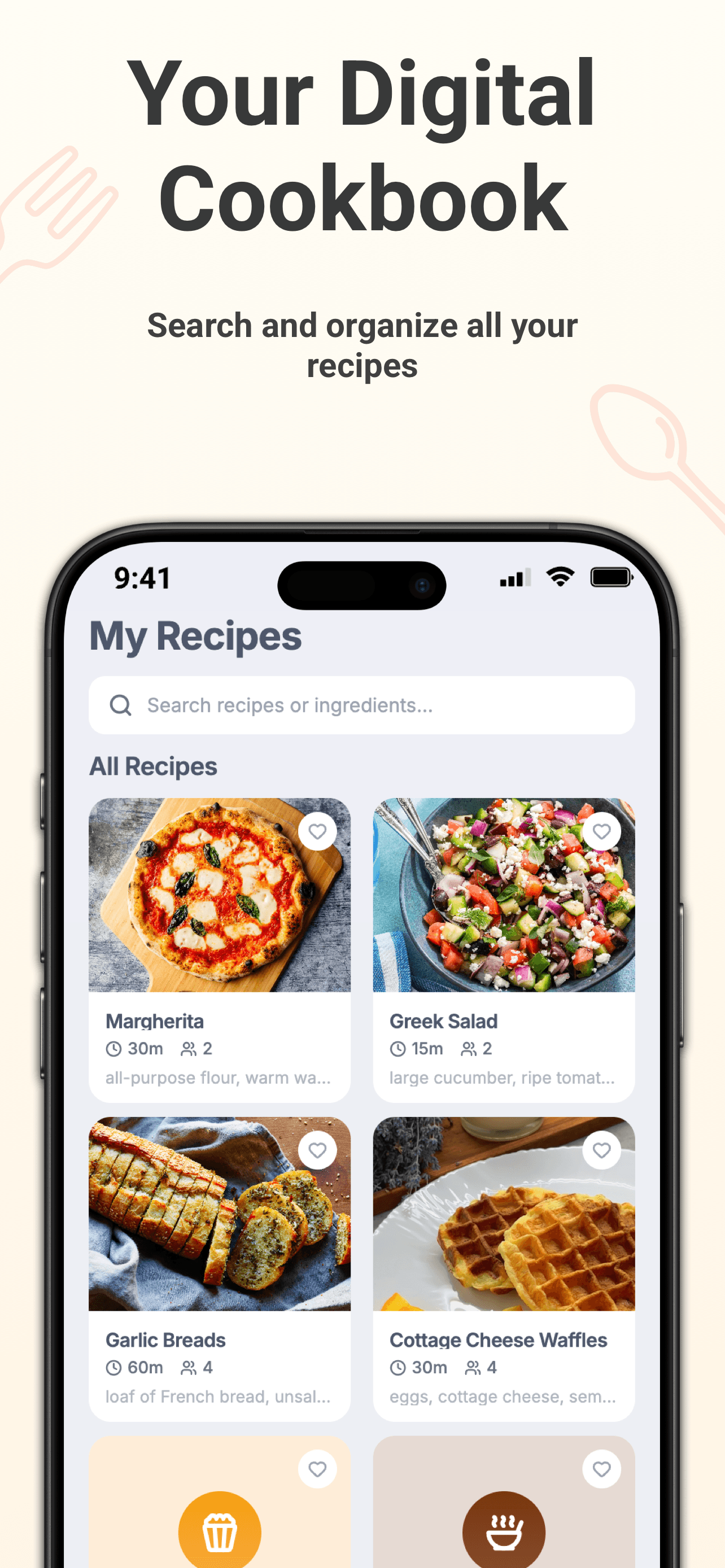
Save favorite recipes from websites or scan old paper cookbooks to keep your recipes organized and easy to find in one digital recipe box.
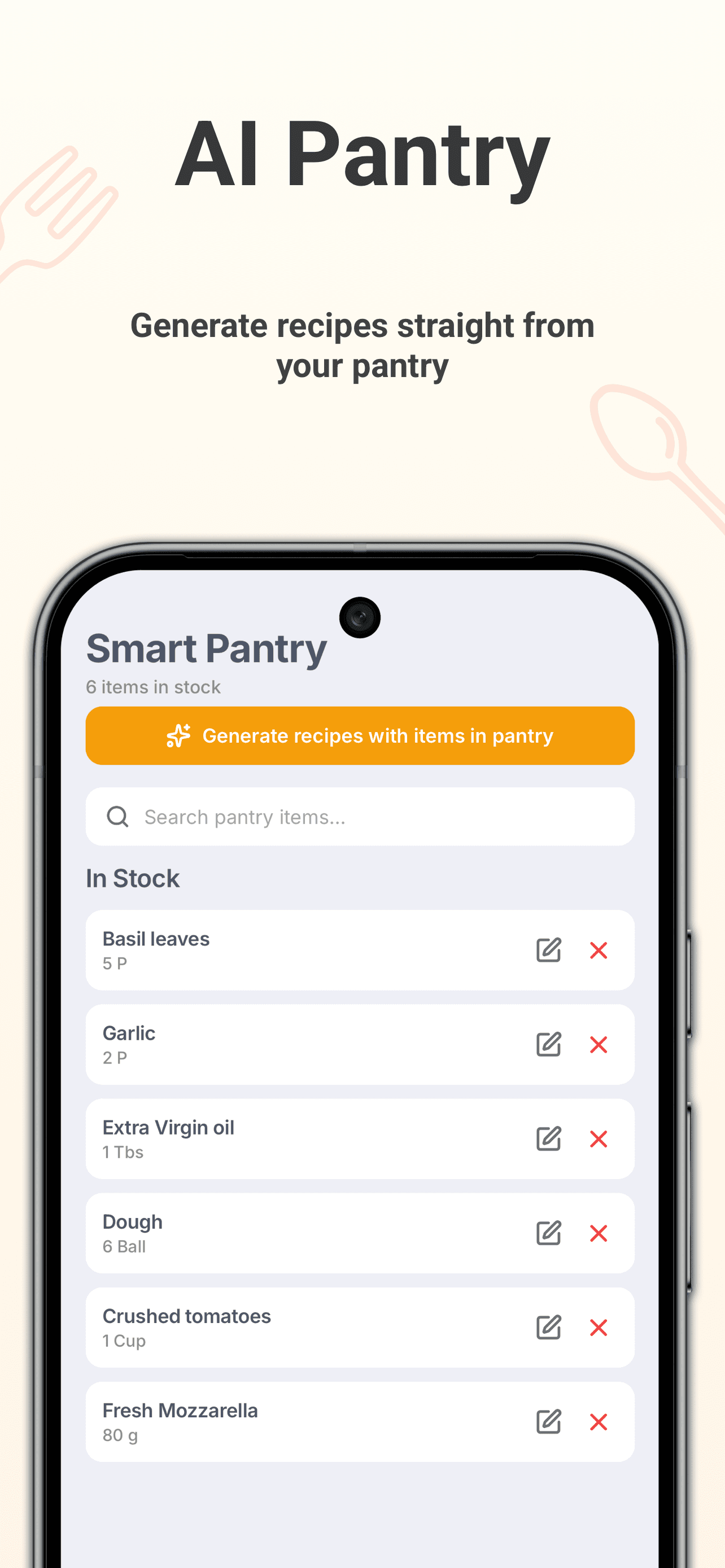
Get inspired by a dish photo or tell TinyRecipe what is in your fridge or pantry. Generate personalized recipe ideas and find a new answer to “What’s for dinner?”
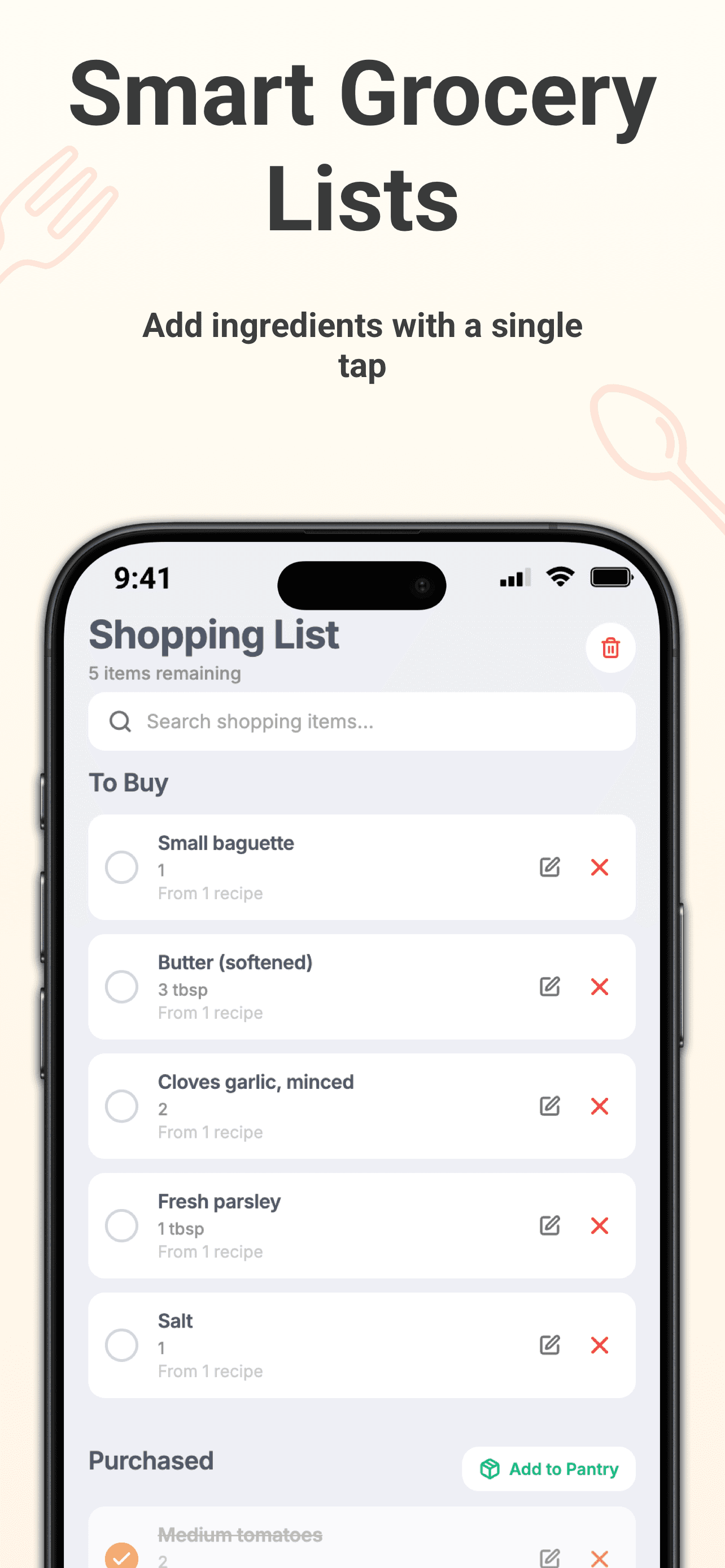
Plan recipes across your week and turn them into categorized grocery lists. Track pantry inventory, see what you already have, and shop for what you need.
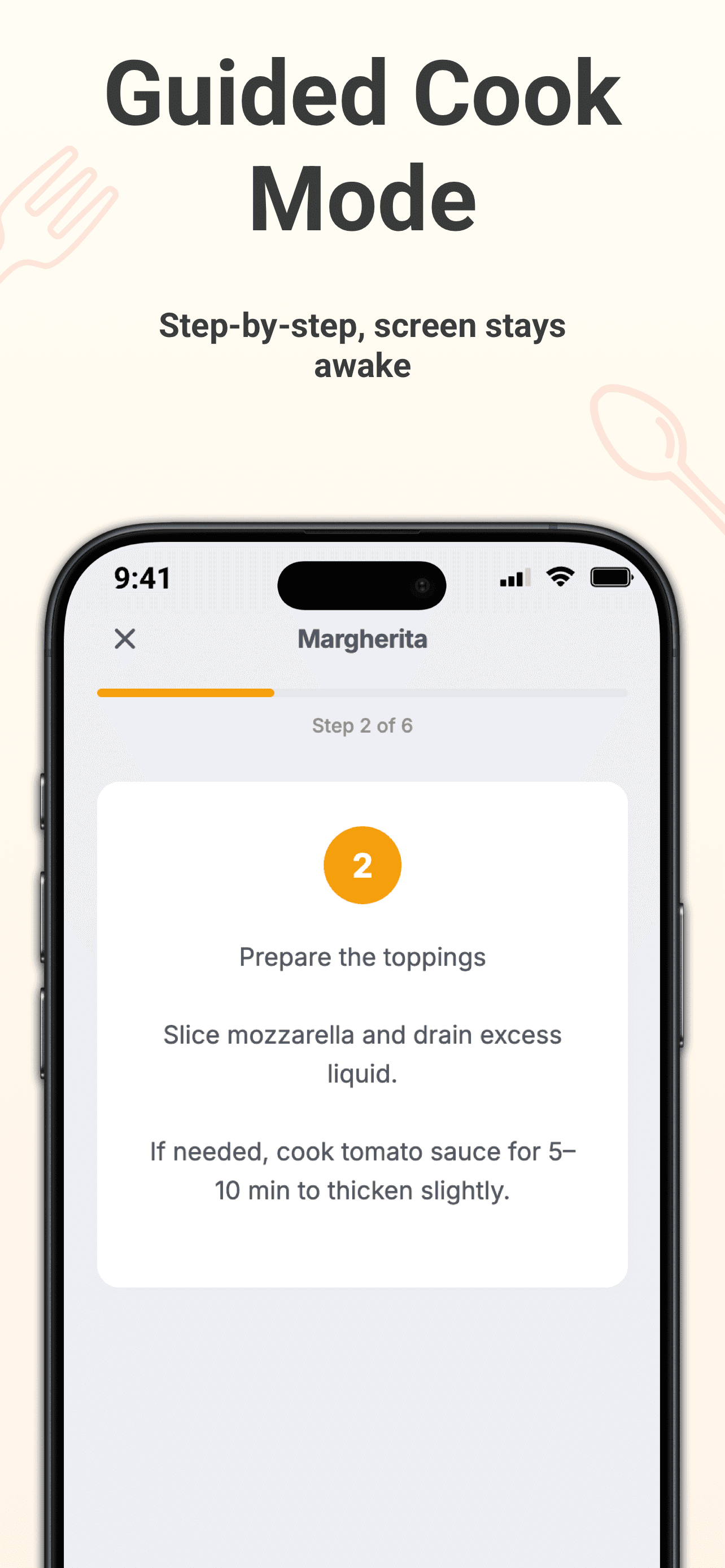
Follow recipe instructions one step at a time in cook mode, with a screen that stays awake while you cook.
Common questions people ask before downloading TinyRecipe.
TinyRecipe turns dish photos and ingredients you have on hand into AI recipe ideas. You can save recipes, plan meals, create grocery lists, track pantry items, and cook with step-by-step guidance.
TinyRecipe is for home cooks, busy families, students, and meal planners who want help deciding what to cook, organizing recipes, and shopping smarter.
Yes. Upload a photo of a dish to get an AI-generated recipe inspired by what you see.
Yes. Add ingredients you have in your fridge or pantry and TinyRecipe can generate recipe ideas around them.
Yes. Import recipes from websites or scan recipes from paper cookbooks to build your personal digital recipe collection.
Yes. Plan recipes for your week and create categorized grocery lists from the ingredients you need.
TinyRecipe Pro unlocks unlimited AI recipe generation and recipe storage, automatic pantry deductions, and instant serving-size adjustments.
Need more details? Visit the app stores from this page to check the latest feature list and updates.
Make cooking simple again with AI recipe ideas, meal planning, guided cook mode, and smart grocery lists. Download TinyRecipe today.